Fast • Reliable • Professional
Computer & IT Services
Home & Business IT Support You Can Trust
We provide fast, reliable, and affordable computer and IT services for homes and businesses. From repairs to network setup, we keep you connected and running smoothly.
Fast ServiceGet help when you need it
Local & TrustedServing Metro Detroit
Affordable SolutionsFor Home & Business
Computer Repair
Diagnostics, troubleshooting and hardware repairs
Network Setup
Wi-Fi, routers, and network solutions
Virus Removal
Remove malware and keep your devices secure
IT Support
Ongoing support for home and business
Our Services
Complete IT Solutions for Home & Business

TV Mounting
Wall-mounted TV installation, bracket setup, and help connecting your entertainment devices.
Request this service
Security Camera Installation
Camera placement, installation, and setup for monitoring your home or business from your phone.
Request this service
Computer Repair
Troubleshooting for startup failures, crashes, slow performance and everyday hardware problems.
Learn more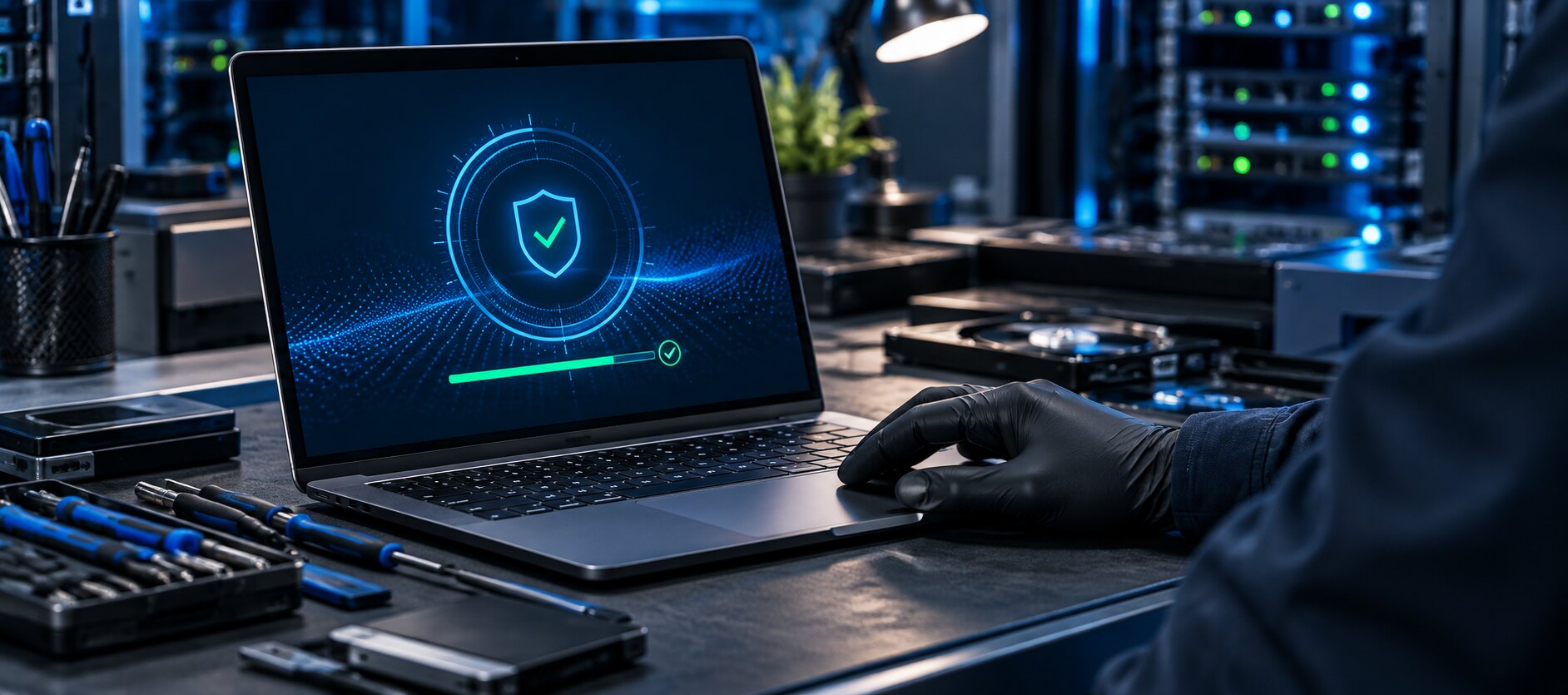
Virus & Malware Removal
Help with pop-ups and suspicious programs, then safer settings so your device stays clean.
Learn more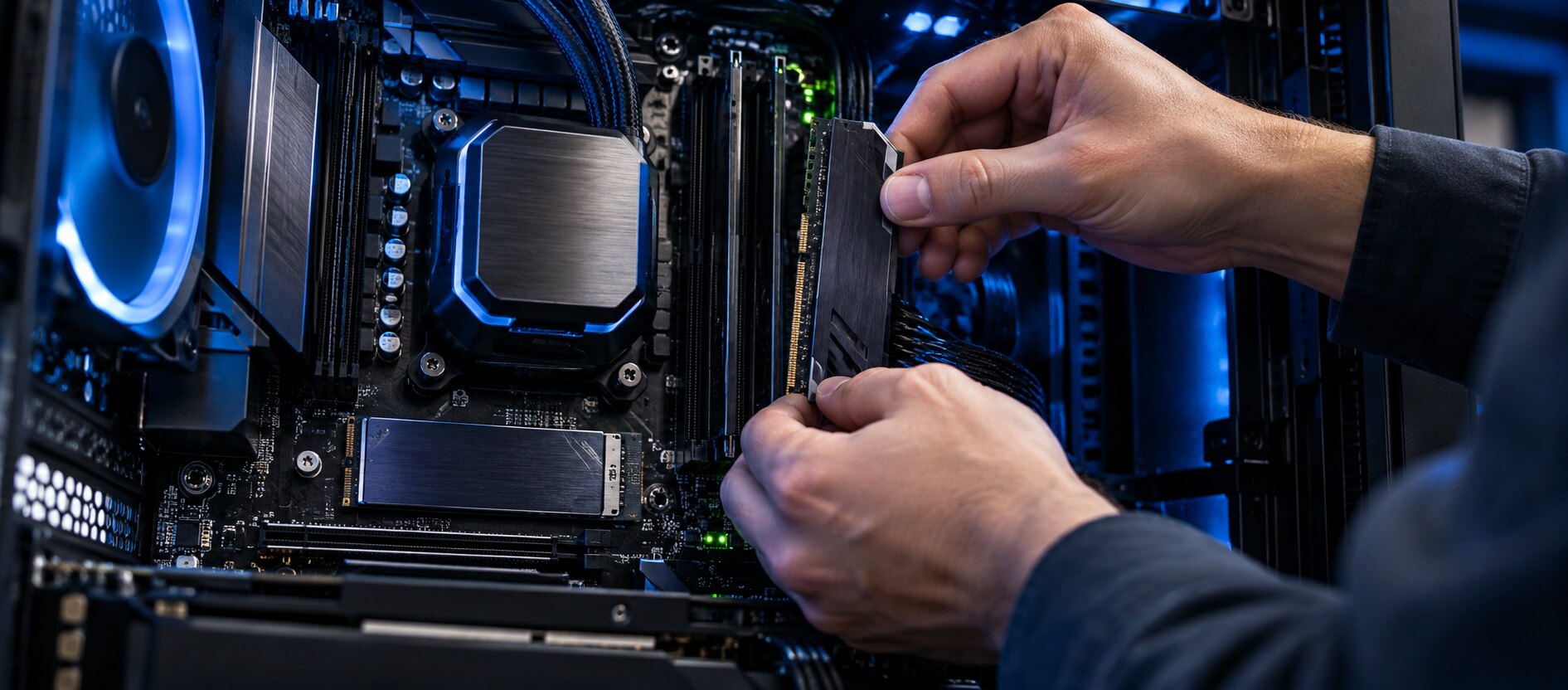
Upgrades & Tune-Ups
Storage, memory and performance improvements to get more life out of the computer you have.
Request this service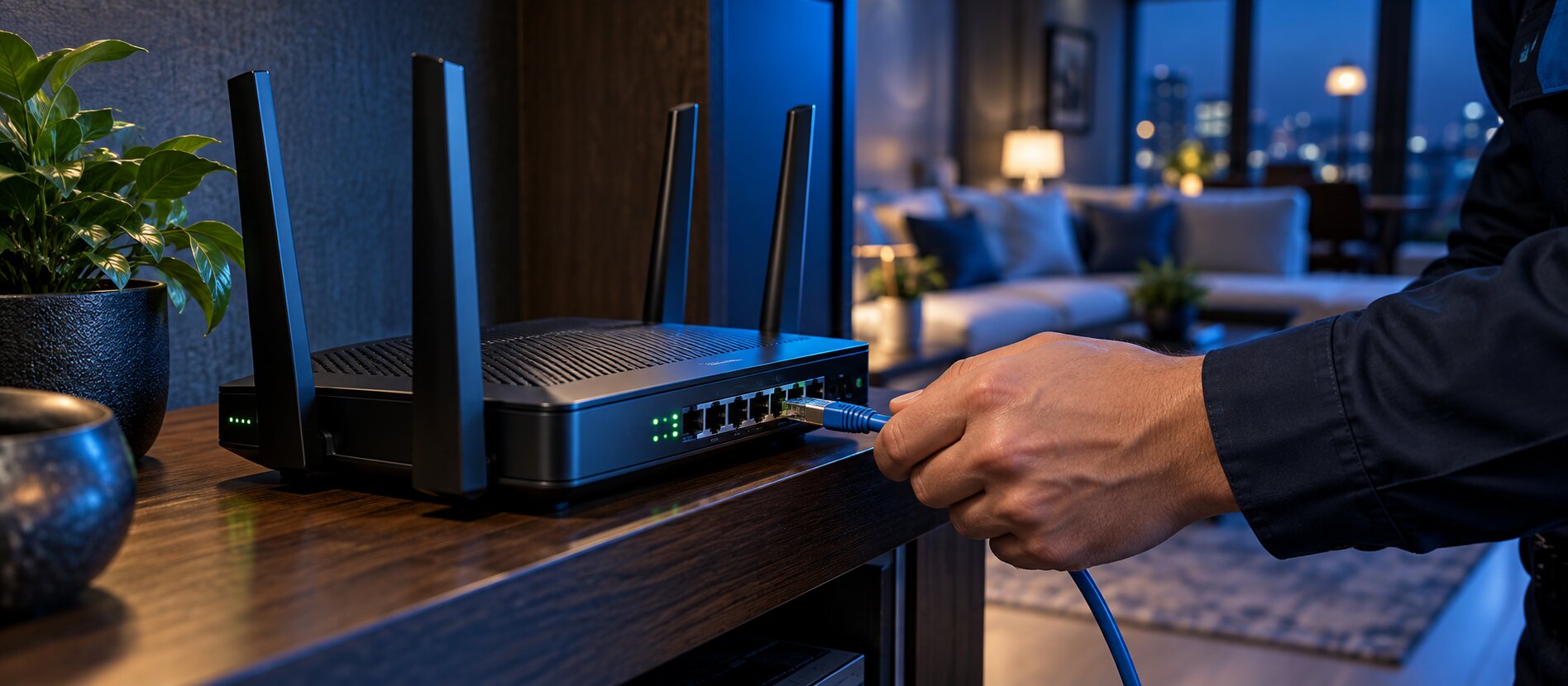
Wi-Fi & Networking
Fixing dead zones and unreliable connections, plus router and home network setup.
Learn more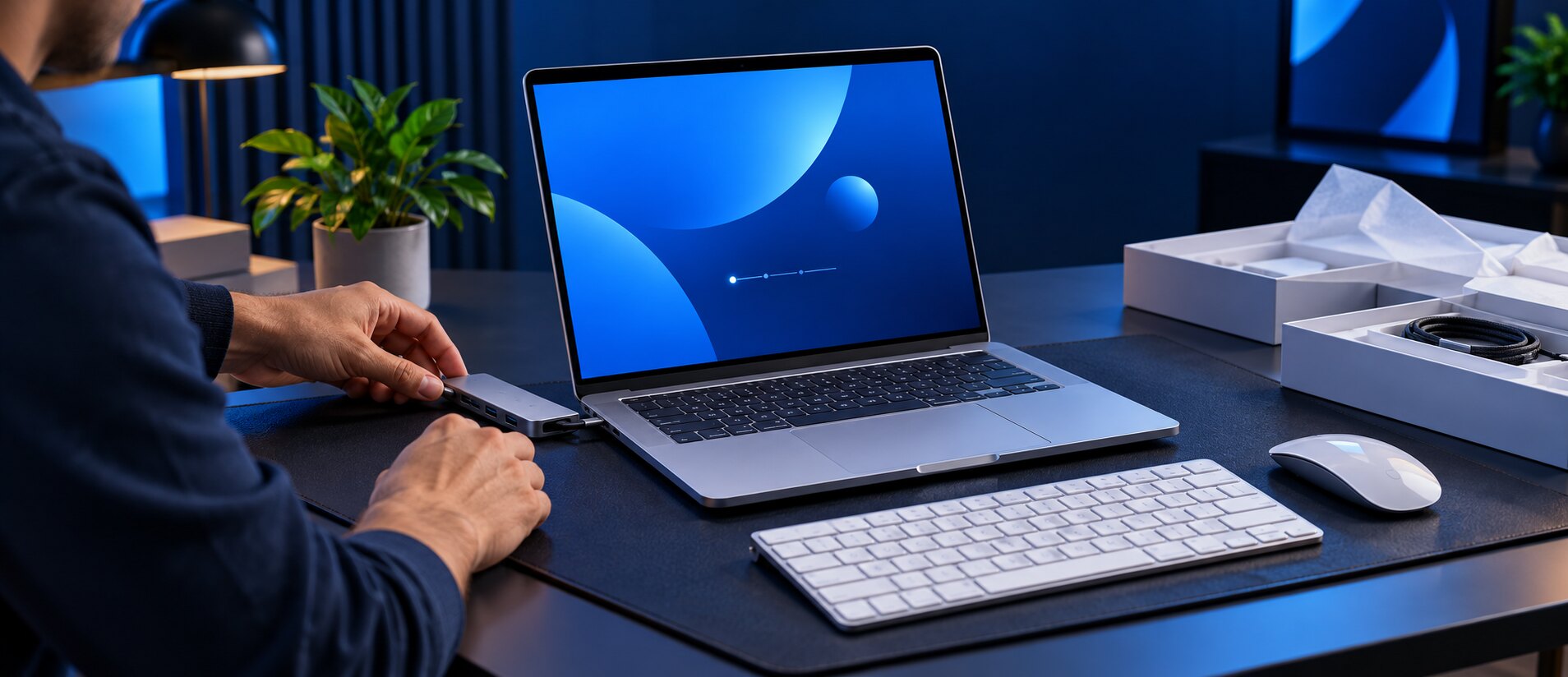
New Device Setup
Getting new computers, printers, software and connected devices running, with your data moved over.
Request this service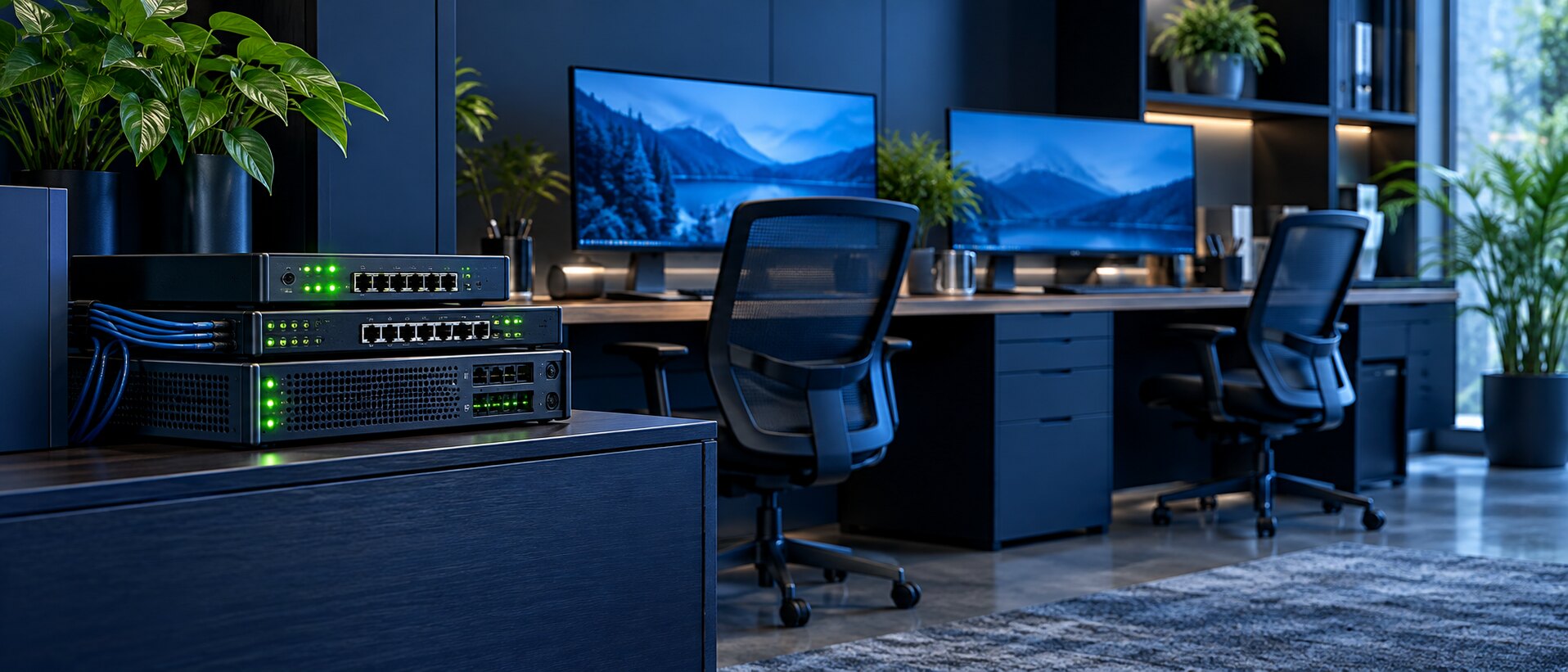
Small Business IT
Support for office workstations, new equipment setup and everyday troubleshooting.
Learn more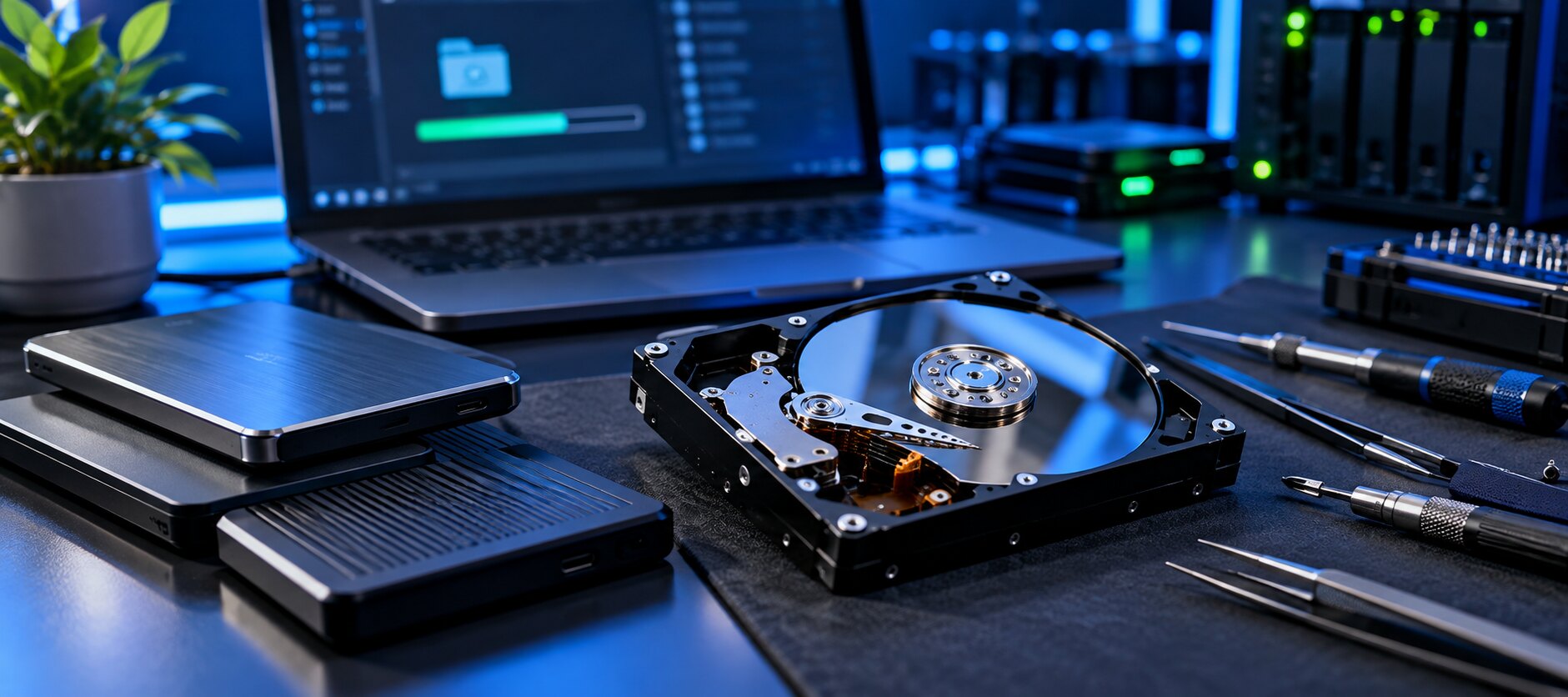
Data & File Recovery
We assess missing files, your backup needs and the recovery options available.
Request this service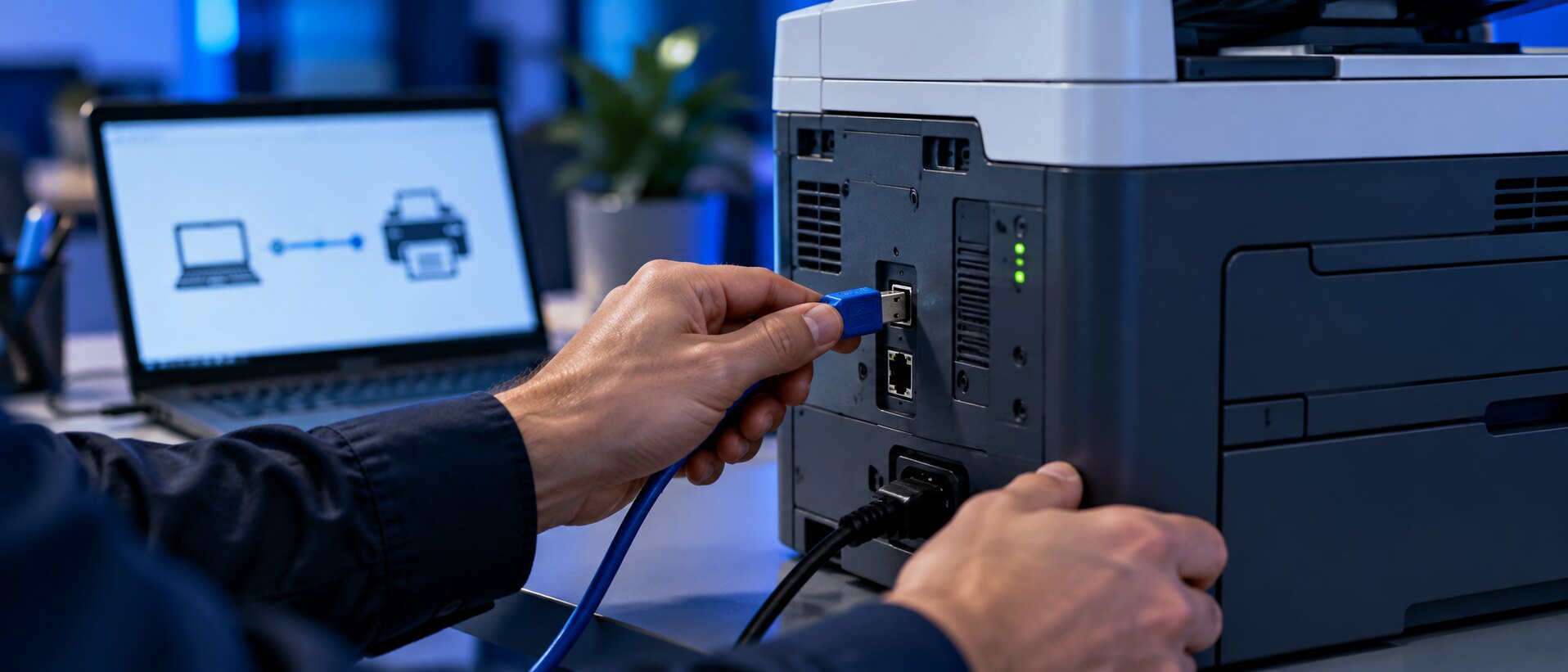
Printer Setup
Wi-Fi or USB printer connections, driver installs, and printing and scanning that just works.
Learn moreNot sure where to start?
What's going on with your device?
More memory, a faster drive and a cleanup usually bring a slow computer back to speed.
Request this serviceAbout Us
Technology made simpler.
Support made personal.
Your technology should make life easier. At Source Pro Solutions, we help Metro Detroit homeowners and small businesses solve everyday tech problems, connect their devices, and feel confident using them.
From computer repairs and reliable Wi-Fi to printer setup, TV mounting, and security camera installation, we bring practical help to the places you live and work. You speak directly with the technician handling your service, with on-site visits or remote support depending on what you need.
We listen first, explain your options in plain language, and agree on the scope and price before work begins. Our goal is to be the team you call for today’s problem—and the next time you need a hand.
Clear answers. Upfront pricing.Understand the recommended work and approve the cost before we begin.
Personal help, where you need it.Work directly with your technician, at your location or through remote support.
One team for your everyday tech.Computers, networks, printers, TVs, and cameras—for your home or small business.
Service Area
Proudly Serving Metro Detroit
On-site service across Wayne, Oakland and Macomb counties. Remote support is available anywhere.
Don't see your city? Ask us. We likely cover it.
How It Works
Remote or In-Person, Your Choice
Many problems can be fixed over a secure remote session. For hardware and networks, we come to you.
Tell us
Share your device, the problem, and how you'd like help: remote, in-person or business support.
Understand
A technician diagnoses the issue and explains the recommended work and cost before anything starts.
Get connected
Choose your repair or support option and we guide you through the next steps.
On visit days we call 30–60 minutes before we arrive.
FAQs
Common Questions
Do you service both PCs and Macs?
Yes. We work on Windows PCs and Apple Macs. What we can do depends on the model and the issue.
How much will a repair cost?
Pricing depends on the diagnosis, parts and labor. We explain the cost before any work begins. Call 313-854-2730 for a quote.
Should I back up my files first?
If the device still works normally, yes. If a drive is failing or files have gone missing, stop using it and describe the symptoms to us so nothing gets overwritten.
What's the difference between a request and a booking?
A service request is an inquiry and we follow up with you. A booking reserves a morning or afternoon arrival window on our booking page.
Service Request
Get a Free Quote
Tell us what's happening and we'll follow up. Appointments are confirmed once we contact you.
Source Pro Solutions
Phone313-854-2730
Emailinfo@sourceprosolutions.com
Service AreaMetro Detroit, Michigan
Booking7 days a week, morning or afternoon arrival windows